
IT for Global Capability Centres
Day-one IT for your new GCC in India
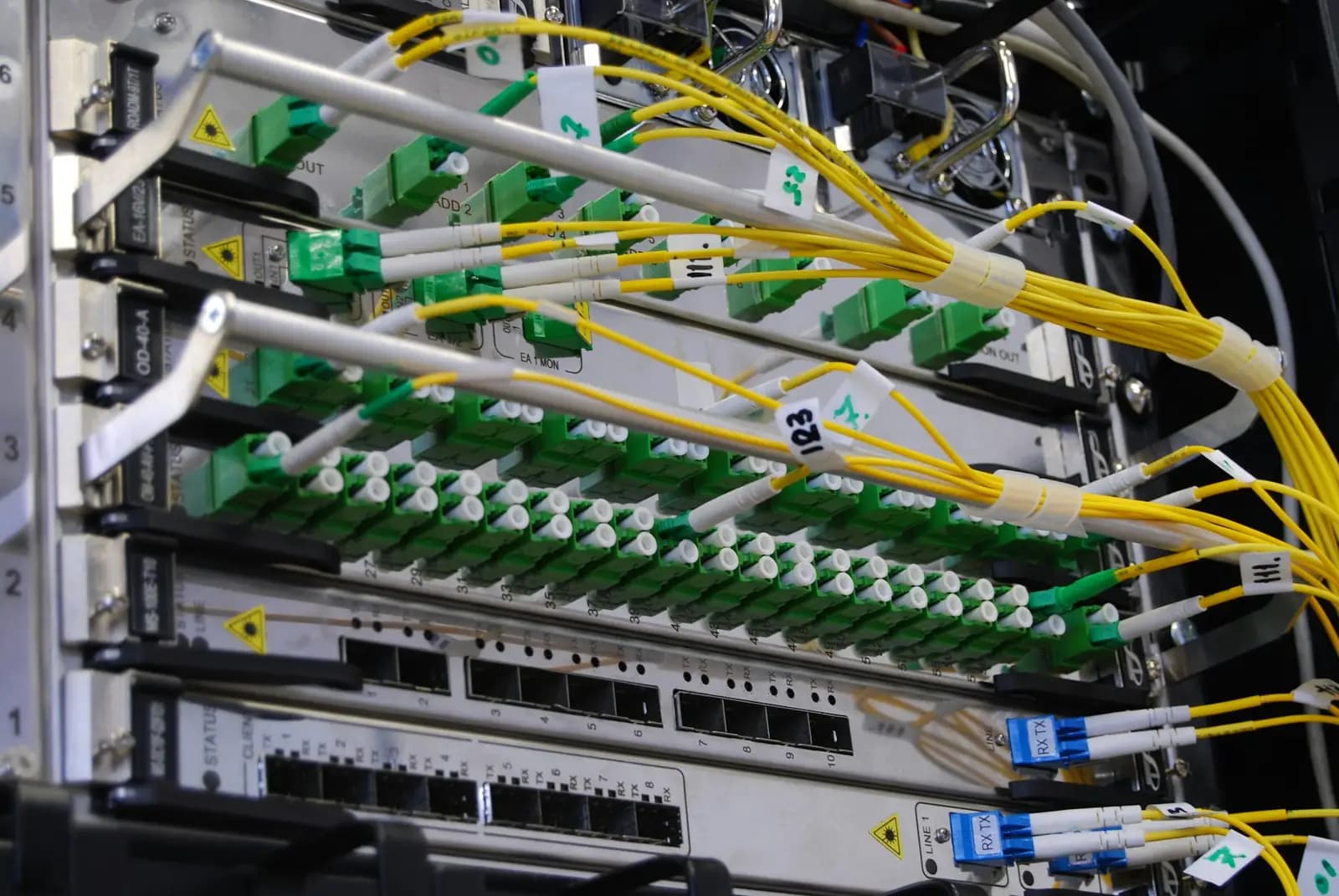
Most GCC setup firms treat IT as a line item. We are an IT infrastructure system integrator, so your network, security, laptops, meeting rooms and service desk are designed, delivered and supported by our own team, live before your first employee arrives.
Why it matters
Technology sets the critical path
Internet circuits, HQ security sign-off, imported hardware and identity integration all have lead times you cannot compress at the last minute. Planning IT in the same programme as your entity, hiring and office is what makes day one work.
- One team from design to support
- OEM pricing and availability
- HQ security standards mirrored in India
- Support continues after any BOT transfer
Timeline
A typical 12-week plan for a 50-300 seat centre
- Weeks 0-2
Design
Headcount plan, HQ security standards, network design, device standards and bill of materials. Internet links ordered on day one.
- Weeks 2-6
Procure & build
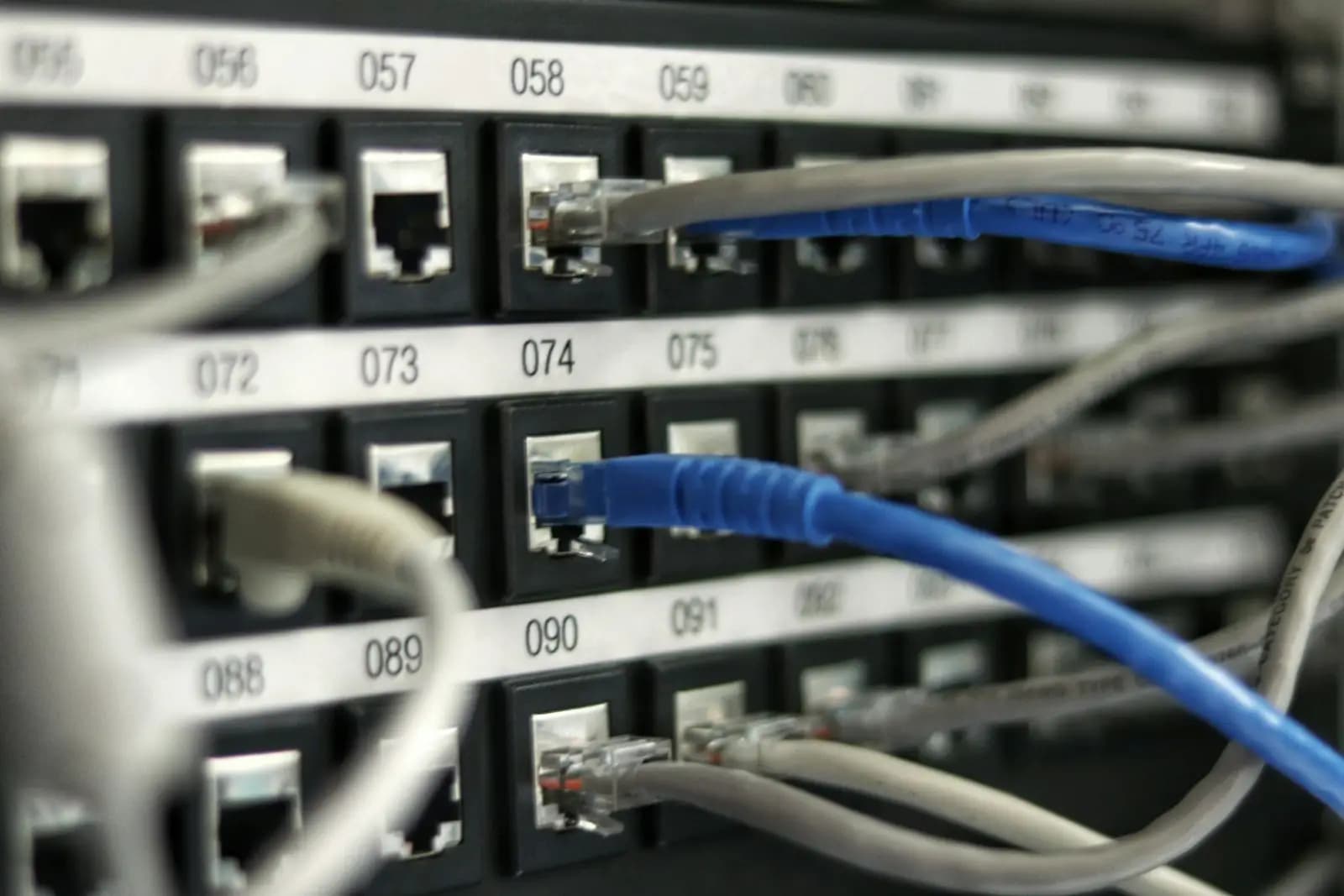
OEM orders, structured cabling, comms room, firewalls, switching and Wi-Fi. Identity approach agreed with HQ.
- Weeks 6-10
Configure
SD-WAN or VPN to HQ, security policies, laptops imaged and tagged, meeting rooms and access control.
- Weeks 10-12
Go live
Testing, security review, failover test, service desk launch, role-based kits delivered and hypercare.
Bill of materials
What we deliver for a new GCC
A checklist we tailor to your headcount, security standards and building.
| Area | What's included |
|---|---|
| Every employee | Laptop, monitor, dock, headset, software licences, MDM enrolment |
| Network | Two diverse internet links, firewall pair, core and access switches, Wi-Fi, structured cabling |
| Comms room | Racks, UPS, cooling, environmental monitoring, physical access |
| Security | Endpoint protection, identity and MFA, email security, logging and SOC monitoring |
| Collaboration | Teams or Zoom meeting rooms, town-hall AV, digital signage |
| Physical security | Access control, CCTV, visitor management |
| Operations | Service desk, NOC monitoring, asset register, AMC and warranty tracking |



FAQ
IT for GCCs: common questions
What IT infrastructure does a new GCC office need on day one?+
At minimum: redundant internet, firewalls, switching and Wi-Fi, identity and MFA integrated with HQ, endpoint security, imaged laptops for every joiner, at least one video-enabled meeting room and a service desk. Larger centres add a comms room, SOC monitoring and physical access control.
How long does IT setup take for a new office in India?+
For a 50-300 seat centre in a ready building, around 10-12 weeks is typical. Internet circuits and HQ security approvals are usually the longest lead-time items, so we start them first. Managed seats or an existing office can shorten this considerably.
Should we buy, lease or use Device-as-a-Service for laptops?+
Buying suits stable headcount and existing asset processes. Leasing and Device-as-a-Service spread the cost into a monthly fee and bundle support and refresh, which suits fast-growing centres that want to conserve capital. We model both.
Can you align with our global IT and security standards?+
Yes. We mirror your HQ's identity, device, network and security standards, connect to your global tenant where needed, and document everything for your security team's review.
Do you support the centre after go-live?+
Yes. Our managed IT services cover service desk, on-site engineers, monitoring, AMC and refresh planning under agreed SLAs, and can continue after a Build-Operate-Transfer handover.

Opening a GCC office in India?
Share your headcount, city and go-live date and we'll send a bill of materials, timeline and support model.